













An automatic pool pump timer is a switch that turns your filter pump on and off on a set schedule, so your water keeps circulating without you heading out to flip a breaker twice a day. The right one shaves your energy bill and keeps your pump from grinding away around the clock. Which one fits comes down to how your pump is wired, how much control you want from your phone, and whether you're also looking to automate cleaning. One thing to get straight before you buy. A pump timer runs your filter, not your robotic pool cleaner, and those are two separate jobs. The best pool timer for you is the one that matches your pump and the amount of control you actually want.

What Does a Pool Pump Timer Do?
A pool pump timer switches your filter pump on and off at set times each day, so your water circulates on a schedule instead of the pump running nonstop. It sits between the pump and its power source, feeding power during the scheduled window and cutting it the rest of the day. All it handles is power and timing, not the pump's speed or your water chemistry.
This matters for a couple of reasons. Your filter pump is one of the biggest electricity draws in the house, and running it 24/7 adds up fast over a swim season. Leaving it on all the time also wears out the motor sooner. A timer takes care of both by holding the pump to the hours it actually needs to keep the water clean.
The flip side is running it too little. Set the window too short and the water doesn't turn over the way it should, which is how cloudiness and algae creep in. Dial it in right and the pump gets exactly the hours it needs and nothing extra, all on autopilot.
Which Automatic Pool Timer Is Best in 2026?
The best automatic pool timer falls into one of three types, and which one's right for you comes down to how much day-to-day control you want. Mechanical, digital, and Wi-Fi timers each suit a different kind of owner.
Best for Reliability: Mechanical Dial Timer
A mechanical dial timer is the most rugged and lowest-maintenance option, which makes it the pick for anyone who wants to set a schedule once and forget about it. You push trippers onto a 24-hour dial, one for on and one for off, usually in 15-minute increments, and the pump repeats that pattern every day. Workhorse electromechanical boxes like the Intermatic T104 series earned this category its reputation by handling heavy pump loads for years with almost nothing to break.
Where it falls short is control. There's no app, no per-day programming, no adjusting it from across town. Choose a mechanical dial timer if your schedule never changes and you run a single-speed pump. For that setup, a box that outlasts most of your other electronics is exactly what you want.
Best for Precise Scheduling: Digital 7-Day Timer
A digital 7-day timer is the best fit when you want different schedules on different days without reaching for your phone. A programmable display lets you set on and off times to the minute and change them day by day, so you can run longer on hot, busy weekends and dial it back on quiet weekdays. Most digital models keep their settings through a power outage with onboard backup, so you're not resetting the clock after every storm.
The trade-off is a bit more setup. Digital menus take a few minutes to figure out next to sliding trippers onto a dial. Choose a digital 7-day timer if you need different run hours on weekends and weekdays. For a schedule that tuned, those few minutes of programming pay for themselves over the season.
Best for Remote Control: Wi-Fi Smart Timer Box
A Wi-Fi smart timer box is the best choice if you want to change the pump schedule from anywhere and run it by voice. These outdoor-rated controllers hook up to your home network and a phone app, and plenty work with Alexa and Google Assistant, so you can kick the pump on before a last-minute swim or tweak the hours while you're out of town. Brands like DEWENWILS and Suraielec have made this the fastest-growing category in 2026.
The one catch is your network. A smart box is only as good as the Wi-Fi reaching your equipment pad, and a weak signal there kills the remote features you paid for. Choose a Wi-Fi smart timer box if your equipment pad has a strong signal and you travel often. With solid coverage, it's the most flexible timer type out there.

How to Choose the Right Pool Timer
Choosing the right pool timer starts with matching it to your pump's voltage and horsepower, then deciding how much control you want. Check the pump's nameplate for its horsepower, amp draw, and whether it runs on 115V or 230V, then match the timer's rating to those numbers. A timer rated under your pump's draw is the quickest way to a fried switch or a tripped safety cutoff. One shortcut's worth checking first. A lot of variable-speed pumps already schedule themselves, so you might not need a separate timer at all.
Here's how the three types stack up on the things you'll notice day to day.
|
Timer Type |
Best For |
Scheduling |
Control |
Main Limitation |
|---|---|---|---|---|
|
Mechanical Dial |
Unchanging routines |
Same every day |
Dial trippers |
No remote access |
|
Digital 7-Day |
Weekday and weekend split |
Per-day programs |
On-unit buttons |
Learning curve |
|
Wi-Fi Smart Box |
Frequent travelers |
Per-day and remote |
App and voice |
Needs stable Wi-Fi |
Whichever type fits how you like to control things, installation is the last box to check. Plug-in timers work right out of the box on a 115V pump, while a hardwired box switching a 230V pump is a job for a licensed electrician. For any outdoor install, make sure the enclosure is weatherproof and UL-listed for wet locations.
How Many Hours Should a Pool Timer Run the Pump?
Most backyard pools need the pump running about eight hours a day, long enough to push the whole pool through the filter once. To find your own number, divide your pool's volume in gallons by the pump's flow rate in gallons per hour, and that's the hours it takes for one full turnover. That one turnover is the baseline for keeping water clear and evenly treated. Breaking those hours into two shorter windows, one in the morning and one in the evening, usually keeps the water cleaner than one long stretch.
Your pump type changes the math. A single-speed pump just runs the full eight hours at one speed, so the schedule is simple. A variable-speed pump can run longer at a lower speed and still use way less energy, so a lot of owners set wider windows and let it turn the water over quietly and cheaply.
Season and use nudge that number too. Hot weather, heavy swimmer traffic, nearby trees, and algae pressure all call for more run time, while cooler months need less. A programmable or smart timer lets you shift those hours as the seasons change.

How Do You Set a Pool Timer?
To set a pool timer, you program an on time and an off time, and it runs that same cycle every day.
The basic steps are the same on just about any timer:
- Set the current time on the unit, since every on and off runs off its internal clock.
- Set the first on time for the morning and the off time at the end of that first block.
- Add a second on and off pair for the evening if you're splitting the run time.
- Save it, then flip the timer to automatic or run mode.
How you punch those times in depends on the type. A mechanical dial uses trippers you set on the 24-hour dial, a digital timer uses on-screen buttons you can change day by day, and a Wi-Fi box uses the app, so you can edit it later from your phone.
Most timers also have a manual override, a switch that runs the pump off-schedule for vacuuming or after a pool party without touching your automatic program.
Can a Pool Timer Run Your Robotic Pool Cleaner?
No. A pool pump timer can't run your robotic pool cleaner, because most cleaners today are cordless and battery powered instead of wired into the equipment pad. Automating a pool really means running two separate systems. The timer box handles the filter pump, and a cordless cleaner handles itself.
Cordless robotic pool cleaners handle their own timing through onboard controls and a phone app, not a timer box. You set the cleaning routine once, and the robot runs it and comes back up to the surface on its own.
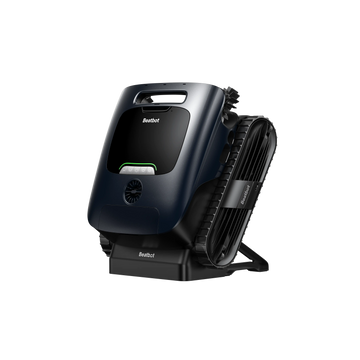
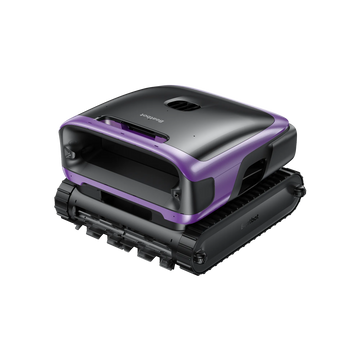
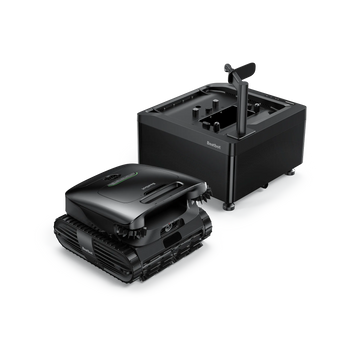
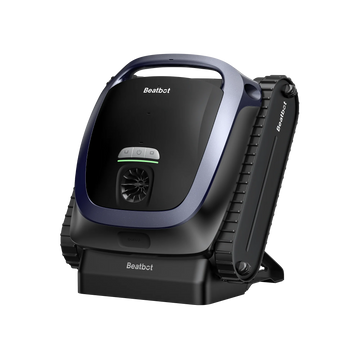
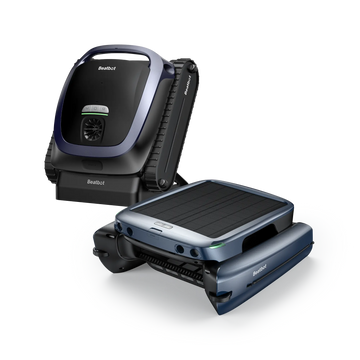
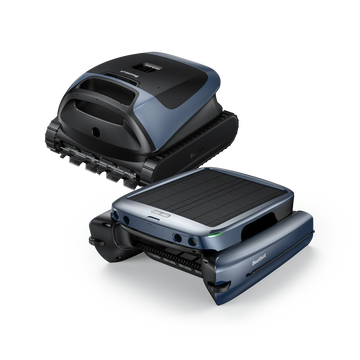
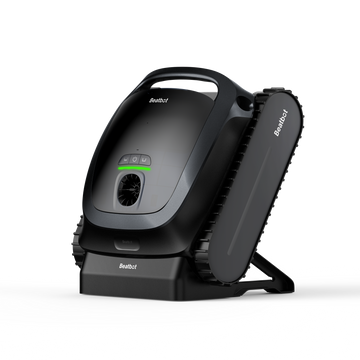
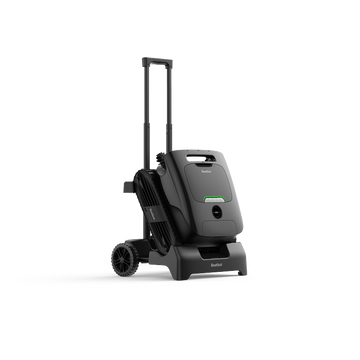
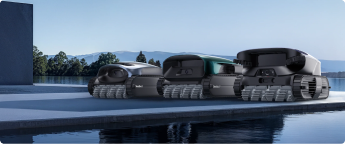
The Beatbot AquaSense 2 Ultra robotic pool cleaner works exactly like that. You run it from the Beatbot app, and its ECO mode cleans the floor every other day, about as close as it gets to a pump timer's recurring window. HybridSense AI Pool Mapping scans the pool before each run, so each clean adapts to your layout on its own.
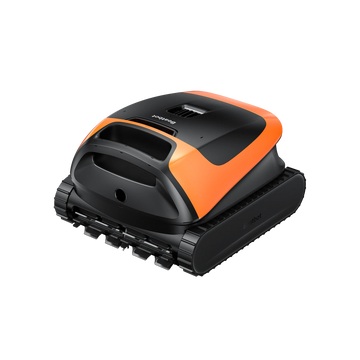
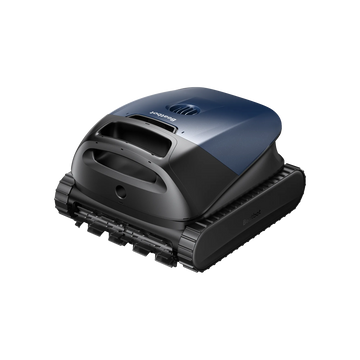
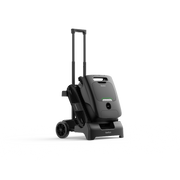
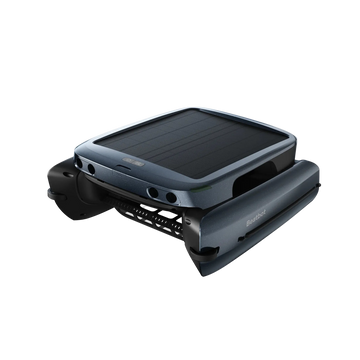
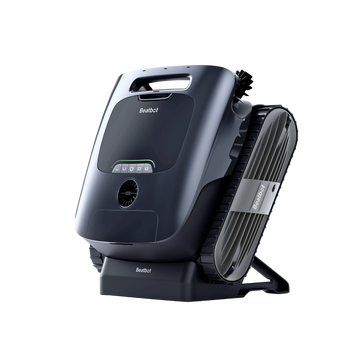
The Beatbot Sora 70 cordless pool robot keeps things just as hands-off. You pick a cleaning mode in the Beatbot app, a programmable quick button fires off your go-to mode in one touch, and it floats itself up to the surface for an easy pickup when the run's done.
Neither cleaner needs a pool timer. For a pool that circulates and cleans itself, pair a timer for the pump with a cordless robotic cleaner for the cleaning side.

FAQs
Are automatic pool timers compatible with variable-speed pumps?
Yes, but a timer only switches a variable-speed pump on and off, not between speeds. Set the speeds on the pump itself and let the timer handle the daily on and off hours, or just use the pump's built-in scheduler if it has one.
Should I run my pool pump during the day or at night?
Daytime running is best for circulation and skimming, when debris and swimmers are most active. If your utility charges lower off-peak rates at night, splitting the hours across both can trim the bill while keeping turnover on track.
Will a pool timer work with a salt chlorine generator?
Yes. When the salt generator runs off the pump circuit, it follows the same schedule the timer sets. A lot of salt systems have their own timers too, so line up the chlorine output window with your pump hours to avoid over- or under-chlorinating.
Can a smart plug replace a pool timer?
For a small plug-in pump within the plug's amp rating, a heavy-duty outdoor smart plug can handle the scheduling just fine. Larger 230V pumps pull too much current for a plug, so check the horsepower and amperage before you count on one.