
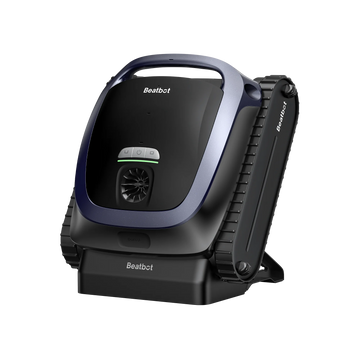
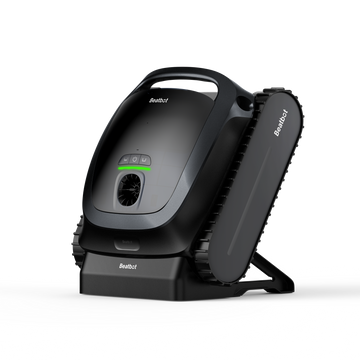
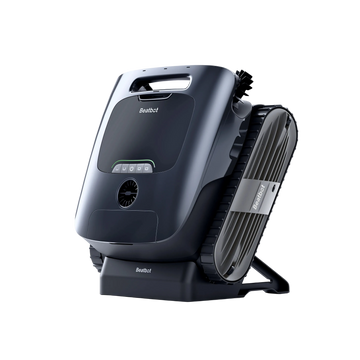
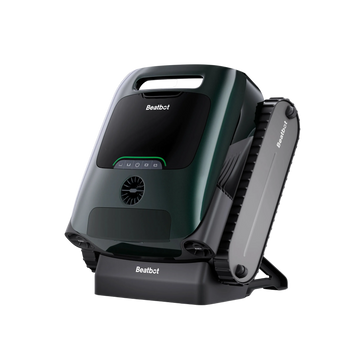
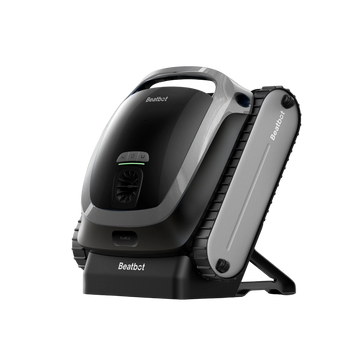












As summer comes to an end and swimming season winds down, it's time to think about where and how to store your robotic pool cleaner for winter.
Here’s how to store your Beatbot robotic pool cleaner and keep it ready for next spring.
How to Store a Robotic Pool Cleaner for Winter
Once the robot is clean, focus on removing any remaining water, preparing the battery, and finding a suitable place to store the unit and its accessories. Follow these steps before putting your pool cleaner away for the winter.
Step 1. Remove the Robot From the Pool and Drain the Water
After the final cleaning cycle, take the robot out of the pool and drain any water left inside. If your Beatbot model has a manual drainage function, activate it and let the water drain until it stops flowing. Make sure the robot is fully drained before moving on to the next step.
If the robot needs a final clean, clean your robotic pool cleaner before winter storage before putting it away.
Step 2. Turn Off the Robot and Disconnect the Charging Equipment
Before storing the robot, switch it off and disconnect the charging equipment from the power supply.
If your setup includes a charging dock and power adapter, disconnect those as well. Check that the charging contacts and electrical connections are dry before putting them away.
Don't leave the robot connected to its charger throughout the winter. Keeping the robot and charging equipment disconnected also makes it easier to store everything together safely until the next swimming season.
Step 3. Leave the Battery at Around 50% Charge
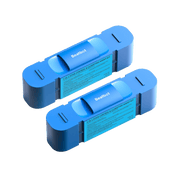
Battery care is particularly important when a cordless pool cleaner will sit unused for several months.
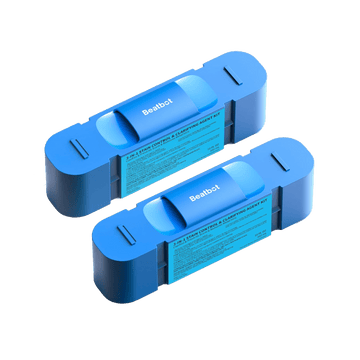
Before storage, aim for a battery level of around 50%. Avoid leaving the battery nearly empty for the entire winter, and don't keep the robot on charge after preparing it for storage.
If the battery needs charging to reach the target level, charge it according to the manufacturer's instructions, then disconnect the charger. You should also check the battery periodically during the off-season rather than assuming it will retain the same charge until spring.
Step 4. Let the Robot Dry Completely
Even after draining the water, give the robot time to dry before putting it away.
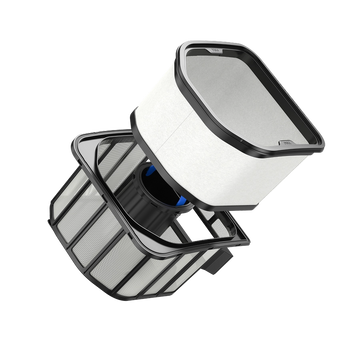
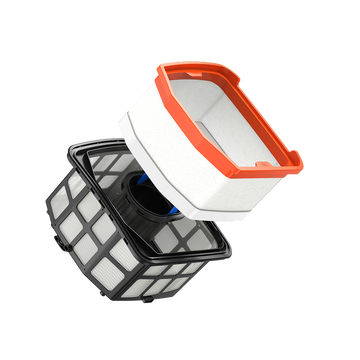
Leave it in a shaded, well-ventilated area until any remaining moisture has evaporated. Check the filter basket, charging contacts, and other accessible areas, especially if water tends to collect in them.
Avoid placing a damp robot in a closed storage box. Trapped moisture can lead to condensation, particularly when temperatures fluctuate during winter.
Step 5. Protect the Robot and Its Accessories
Once the robot is dry, place it in a stable position where it won't be knocked over or damaged by other items in storage.
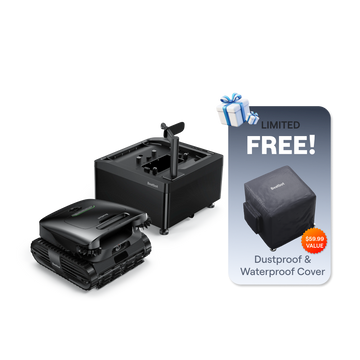
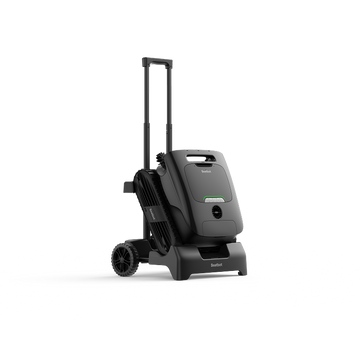
Keep heavy objects away from the brushes, tracks, sensors, and charging contacts. For extra protection, use the Beatbot Genuine Dust and Water-Proof Cover to keep dust, dirt, and scratches away from your robot during storage.
Store the charging dock, power adapter, and other accessories in the same dry area. Keeping everything together makes it easier to inspect the equipment and prepare the robot for use when pool season returns.

Where Should You Store a Robotic Pool Cleaner in Winter?
A dry indoor space is usually the easiest option, but the right location also depends on winter temperatures and humidity. A garage or basement can work if the conditions stay within the storage limits specified for your robot.
| Storage Location | Recommendation |
|---|---|
| Indoor storage room | A good choice if the space is cool and dry |
| Dry basement | Suitable if it stays within the recommended temperature range |
| Heated garage | Suitable if temperature and humidity remain within the specified limits |
| Unheated garage | Check how cold it gets during winter before storing the robot there |
| Outdoor shed | Avoid if the robot may be exposed to frost, rain, or damp conditions |
| Outdoor storage box | Use only if it provides adequate protection from moisture and temperature extremes |
An unheated garage isn't automatically unsuitable. The important question is whether the temperature and humidity remain within the robot's storage limits throughout the winter. If you can't be sure, an indoor location with more stable conditions is the safer choice.
For example, the Beatbot AquaSense 2 Ultra manual specifies a storage temperature range of -20°C to 45°C (-4°F to 113°F) and a relative humidity limit of 75%. These are the specified limits for that model, not a universal range for every robotic pool cleaner. The manual also recommends a cool, dry indoor location protected from frost.
If you're unsure where to keep your robot, choose a dry indoor space away from direct sunlight, rain, and extreme temperatures.

How to Maintain Your Pool Robot Battery During Winter
Putting the robot away correctly is only part of battery care. If it will remain unused for several months, check its charge during the off-season and recharge it when necessary.
How Often Should You Check the Battery?
Check the battery at least once every six months and recharge it to around 50% if needed.
This interval is specified in the Beatbot AquaSense 2 Ultra manual. It provides a practical reference for long-term storage, but you should follow any different maintenance schedule specified in your own model's instructions.
After checking or recharging the battery, disconnect the charging equipment again. This helps you maintain the battery without leaving the robot connected to power throughout the winter.
How to Get Your Robotic Pool Cleaner Ready for Spring
Before putting your pool cleaner back into the water, take a few minutes to check that it is ready for another season.
-
Inspect the robot. Look for damage to the body, brushes, tracks, and other visible components.
-
Check the charging equipment. Make sure the charging contacts are clean and dry, and check the dock, adapter, and cables for damage.
-
Recharge the battery. Follow the normal charging instructions and make sure the charging environment meets the specified temperature requirements.
-
Test the robot. Turn it on and confirm that it responds normally before returning it to the pool.
-
Run the first cleaning cycle. Once the pool and robot are ready for use, start a cleaning cycle and check that everything works as expected.
If the robot won't charge or turn on, check the battery, power supply, and charging connections first. If the problem persists, follow the troubleshooting instructions in the Beatbot Help Center.
FAQs
Can You Leave a Robotic Pool Cleaner in the Pool All Winter?
It's better to remove the robot when you finish using it for the season. Drain any remaining water, turn it off, and store it in a dry location that meets the manufacturer's storage requirements.
Can You Store a Robotic Pool Cleaner in an Unheated Garage?
Yes, provided the garage stays within the robot's recommended storage temperature and humidity limits. If it gets too cold or damp during winter, move the robot to a more suitable indoor location.
Should You Store a Robotic Pool Cleaner Upside Down?
Follow the storage instructions for your model. Keep the robot stable and avoid putting unnecessary pressure on the brushes, tracks, sensors, or charging contacts.
What Should You Do if Your Pool Robot Won't Turn On After Winter?
Check the battery level, charging equipment, and electrical connections. Recharge the robot according to its instructions and within the specified charging temperature range. If it still won't turn on, follow the manufacturer's troubleshooting guidance or contact Beatbot Support.